How to install your eSIM
Step-by-step setup for iPhone and Android. It takes about two minutes.
Install at home over Wi-Fi before you fly. Your plan only starts counting when you connect to a network at your destination.
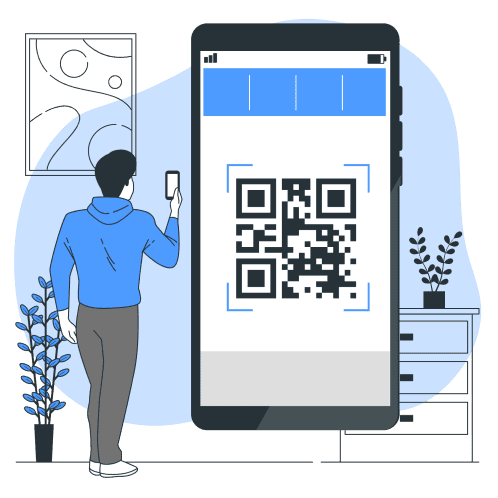
- 1Get your QR code
After purchase we email your eSIM QR code (and it's in your account). Save it before you travel.
- 2Add the eSIM
Open Settings → Cellular (Mobile Service) → Add eSIM → Use QR Code.
- 3Scan & label
Scan the QR from the email and confirm. Label the line "Travel" so it's easy to recognise.
- 4On arrival
Set the Travel eSIM as your Cellular Data line and turn on Data Roaming for that line only. You're online — no roaming fees.
Your phone must support eSIM and be carrier-unlocked. Dial *#06# — if you see an EID number, eSIM is supported.